 MapHop
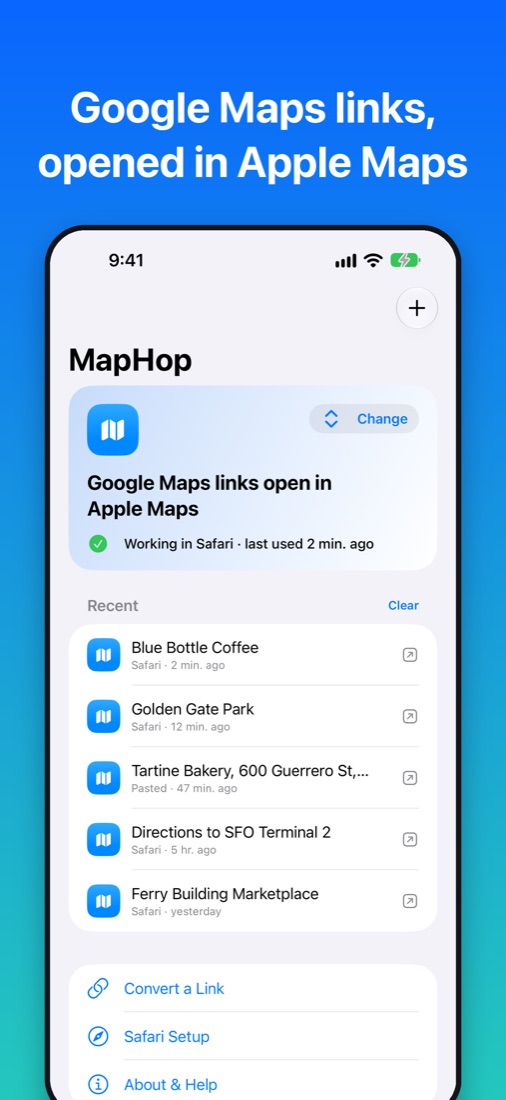
Tap a Google Maps link. It opens in Apple Maps.
MapHop sends Google Maps links you open in Safari to Apple Maps or Waze, your choice. A link from a friend, an email or a website opens in the app you actually use.
Coming soon to the App Store50 free links, then a one-time $14.99 unlock. No subscription.
1. Pick your maps app
Open MapHop and choose Apple Maps or Waze.
2. Turn on the Safari extension
Settings › Apps › Safari › Extensions › MapHop. Turn on Allow Extension and set google.com to Allow.
3. Tap any Google Maps link
Safari asks once to open your maps app. Tap Open.
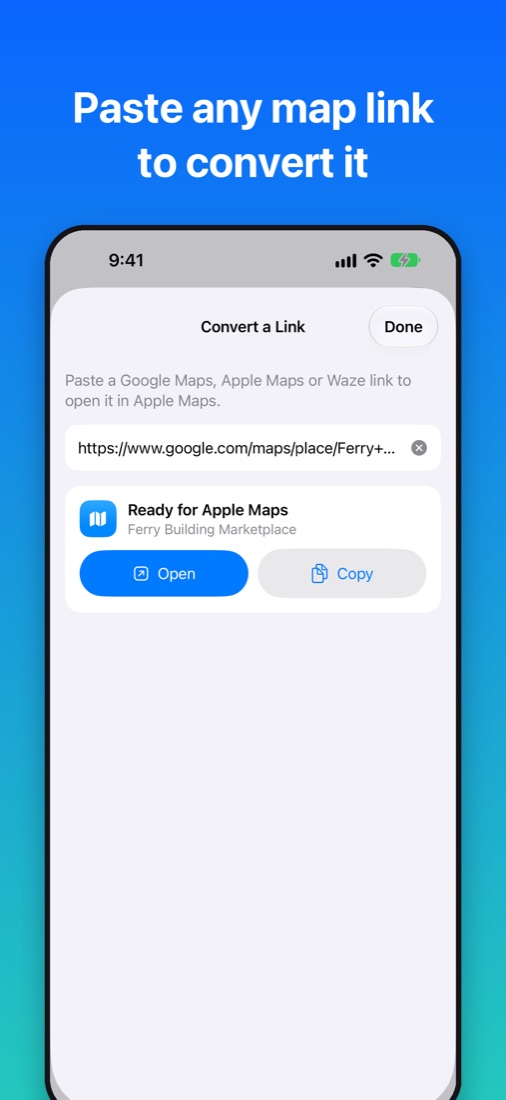
Convert any map link
Paste a Google Maps, Apple Maps or Waze link into the app to convert it. Recent places stay on your iPhone.